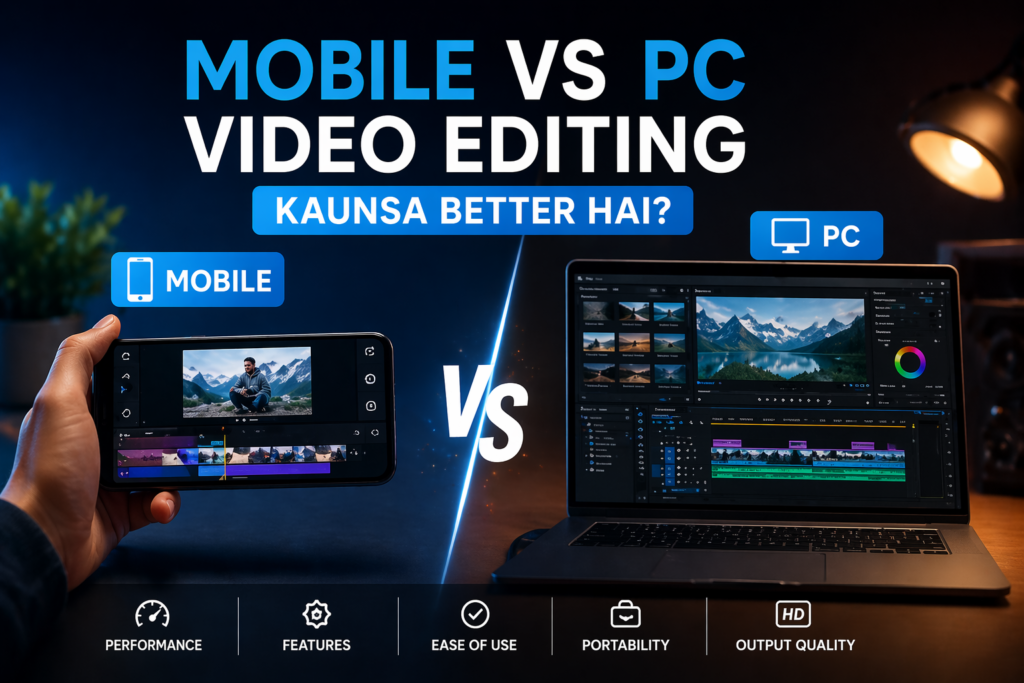

Video editing can be done on both mobile and PC, but choosing the right platform depends on your needs, budget, and type of work. This guide compares mobile vs PC editing to help you decide.
Mobile Video Editing
Advantages
- Easy to use
- Quick editing for reels and shorts
- No heavy setup required
- Can edit anywhere
Disadvantages
- Limited features
- Not suitable for heavy projects
- Lower control over effects and color grading
PC Video Editing
Advantages
- Advanced tools and features
- Better performance for heavy projects
- High-quality output
- More control over editing
Disadvantages
- Requires powerful system
- Takes time to learn
- Not portable
Mobile vs PC: Key Differences
| Feature | Mobile Editing | PC Editing |
|---|---|---|
| Ease of Use | Easy | Medium |
| Performance | Limited | High |
| Features | Basic | Advanced |
| Portability | High | Low |
| Output Quality | Medium | High |
Which One Should You Choose?
- Choose Mobile if:
- You create reels and short videos
- You are a beginner
- Choose PC if:
- You do professional editing
- You work on YouTube or client projects
Conclusion
Both mobile and PC video editing have their own advantages. Mobile is best for quick and simple content, while PC is ideal for professional and high-quality editing.